AODA / WCAG accessibility
Audits against WCAG 2.0/2.1 at levels A, AA and AAA — the Ontario AODA standard — with a 0–100 compliance score and fixes that cite the exact criterion.
Platform
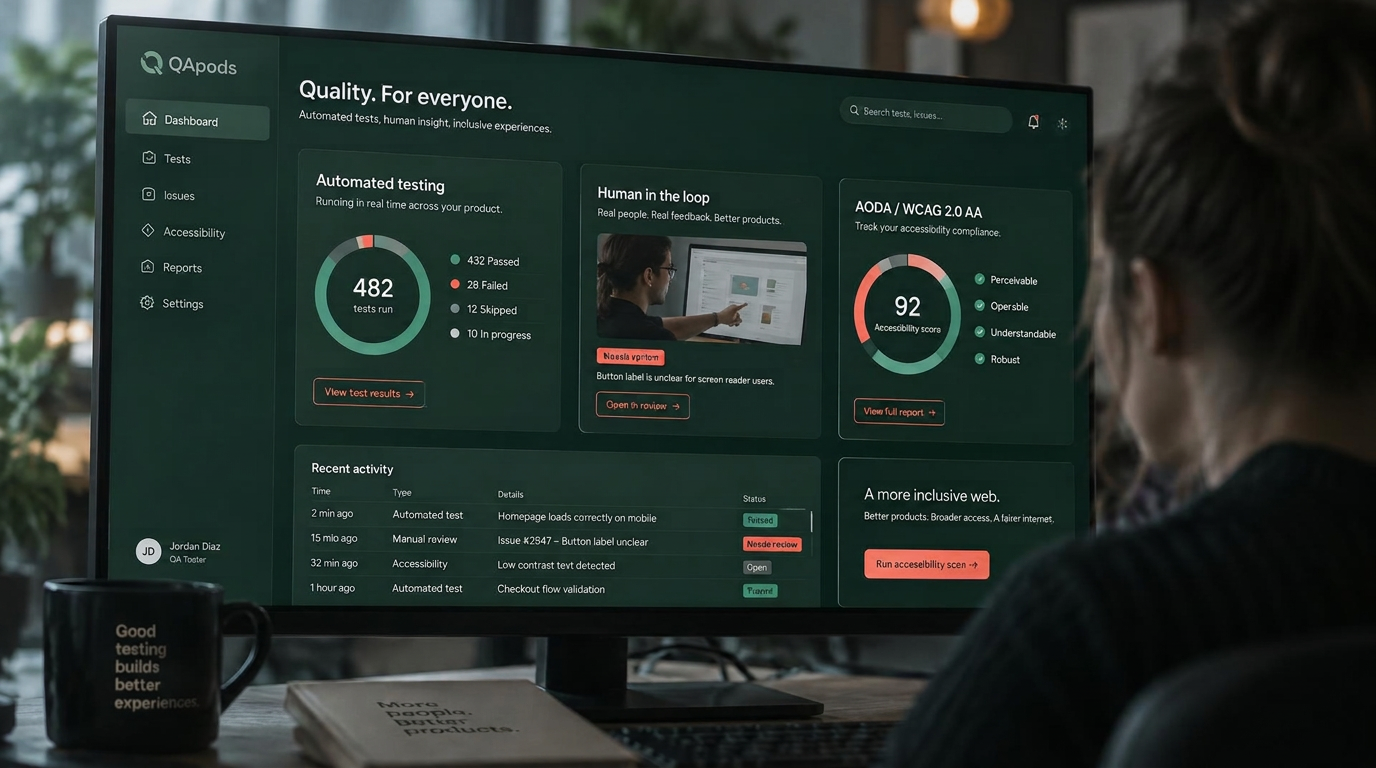
QApods combines managed testing pods, a rigorous issue workflow, reusable test scripts, and eleven automated scans that always end in human verification.
Point a scan at any page or crawl your whole site up to five levels deep. Schedule recurring runs overnight, or fire one off whenever you need it. Every finding stays a candidate until a QA professional reproduces it.
Audits against WCAG 2.0/2.1 at levels A, AA and AAA — the Ontario AODA standard — with a 0–100 compliance score and fixes that cite the exact criterion.
Checks the viewport setup and CSS for the five canonical screen sizes, from 390px phones to 1920px desktops.
Follows every link and image on the crawled pages and reports errors, unreachable hosts and long redirect chains.
Reads your live site's pages, forms and navigation, then writes ready-to-run test scripts straight into your project.
Finds every form, flags missing validation, and designs boundary tests — long input, emoji, injection strings, empty values.
HTTPS, the six key security headers, cookie flags, mixed content, and probes for exposed .env and .git files.
Response time, page weight, render-blocking scripts and compression for every crawled page, with an overall score.
Statically reviews your script bundles for patterns likely to throw runtime errors.
Proofreads visible copy: spelling, grammar, placeholder text and outdated copyright years.
Detects common trackers, checks for a consent banner and privacy policy, framed against GDPR and Canadian PIPEDA.
Titles, meta descriptions, H1s, social cards, image alt text, robots.txt and your XML sitemap.
Automation finds candidates fast — a person confirms every one before it reaches your backlog.
Compares each issue against every other issue in the project, lists likely duplicates with reasons, and suggests severity, priority and category — nothing changes until you confirm.
Reloads the live page behind a bug and judges whether it appears fixed. 'Fixed' moves the issue to verification for human sign-off; 'still present' reopens it.
Every automated finding stays a candidate. Send it to the triage inbox, where a QA professional reproduces and validates it before it becomes an issue.
Every feature exists to shorten the path from finding a problem to shipping the fix.
Write scripts by hand, generate best-practice ones with AI, import from CSV, and copy proven scripts between projects.
Candidate, triage, accepted, in progress, verification, resolved. Severity, priority, owners, and reproduction steps on every issue.
Pass, fail, blocked, or skipped results per script, with the environment captured and issues linked back to the step that failed.
Logged hours by category and project, approvals, and exportable summaries your stakeholders can read.
Invoices per organization and project in your currency, with outstanding balances visible to both sides.
One platform, three workspaces — each person sees only the work that belongs to them.
Projects, issues, scans, scripts, hours, invoices, and your team in one place.
Open opportunities, assignments, academy lessons, community, earnings, and a verified profile.
Triage, client accounts, tester validation, pod staffing, payouts, and platform analytics.
Create an account and we will scope a first testing cycle with you.
Create your account